For suppliers
Land the order before the ship is alongside.
Bunkers, lubricants, spares, provisions, fresh water, ship chandlery: every inbound vessel is a delivery you could be making, if you reach procurement before the berth is full and the order is placed. Vessel Hunter watches your supply area, pairs each approaching ship with the verified procurement contact, and tells you what the vessel actually needs, so the first quote in is yours.
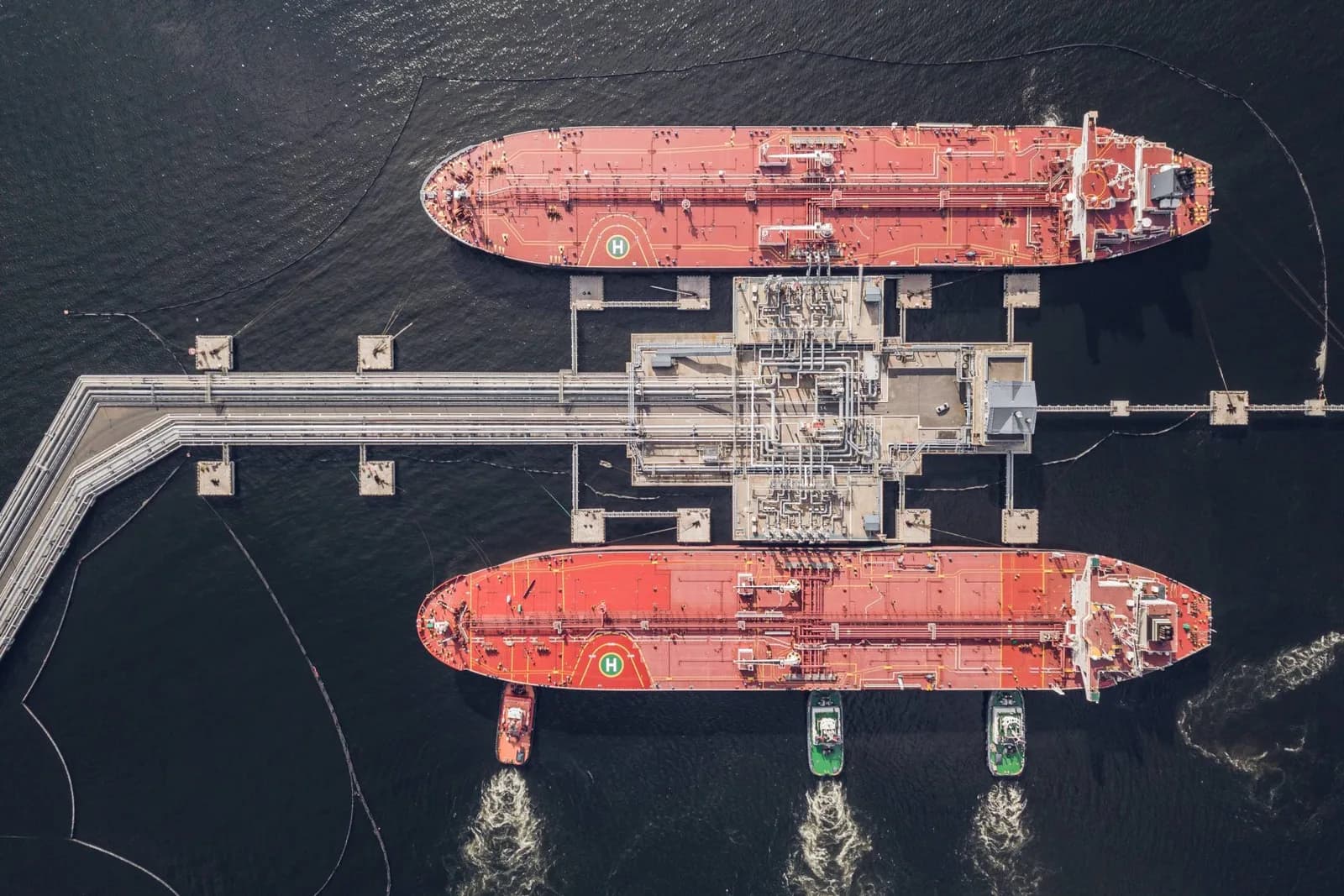
The supply window opens before arrival
A 114,500 DWT tanker inbound to Rotterdam decides its bunker stem, lube top up, stores, and spares while it is still days out. The purchasing decision sits with the operator’s procurement desk or the technical superintendent, not the agent at the gangway. Reach them inside that window and you are quoting against the spec. Wait until the ship is alongside and you are quoting against whoever got there first.
The legacy way to play this is to scan AIS for arrivals, guess which ships top up where, cross reference Equasis for the manager, and dig through LinkedIn for a name. The Vessel Hunter way is one alert: vessel name, ETA, the engine make and model, the historical call pattern at your port, the verified procurement contact, and the dossier one click away.
What a supplier workflow looks like
Define your supply area as a watchlist, a port, a terminal, an anchorage, or a custom geofence, and let the system fire when any vessel that matches your rules enters it. Rules can be as broad as “any tanker above 50,000 DWT inbound to Rotterdam or Antwerp” or as tight as “every ship on these eight operator fleets that burns the grade I carry”.
The alert lands with the three things your competitor is still chasing: the engine make and model (so a spares or lubricant supplier knows it is the right ship), the historical port call pattern (so you know whether this vessel typically stems here), and the verified procurement contact with a direct mobile (so the rep does not lose a day to the switchboard).

Stores, spares, and provisions: quote the call before the berth confirms.
Categories of supplier that run Vessel Hunter
- Bunker traders and physical suppliers: fleet watchlists by engine type and historical fuel grade, alert 72 hours out with the bunker purchasing contact on the card.
- Ship chandlers: a terminal level approaching ports inbox keyed to your supply area, with the stores and provisioning contact for each call.
- Lubricant vendors: engine spec drives the lubricant spec. Filter to the operators and tonnage classes you supply, route alerts to the territory rep.
- Spare parts and OEM suppliers: watch the engine and auxiliary equipment field across the operator fleets you cover. Trigger on certificate expiry or casualty alert for emergency stock.
- Provisions, fresh water, and gases: alert on call frequency and turnaround windows so a resupply quote is in before the ship confirms its berth.
What it costs to win one more order a month
Suppliers typically run Vessel Hunter against the operator list they already sell to, expand it by a factor of two to four from the curated company graph, and convert one extra order per territory per month into well above break even at our standard per seat rate. See pricing for fleet and multi seat terms.
Also read service providers, shipyards, and port agents, or browse all platform features.